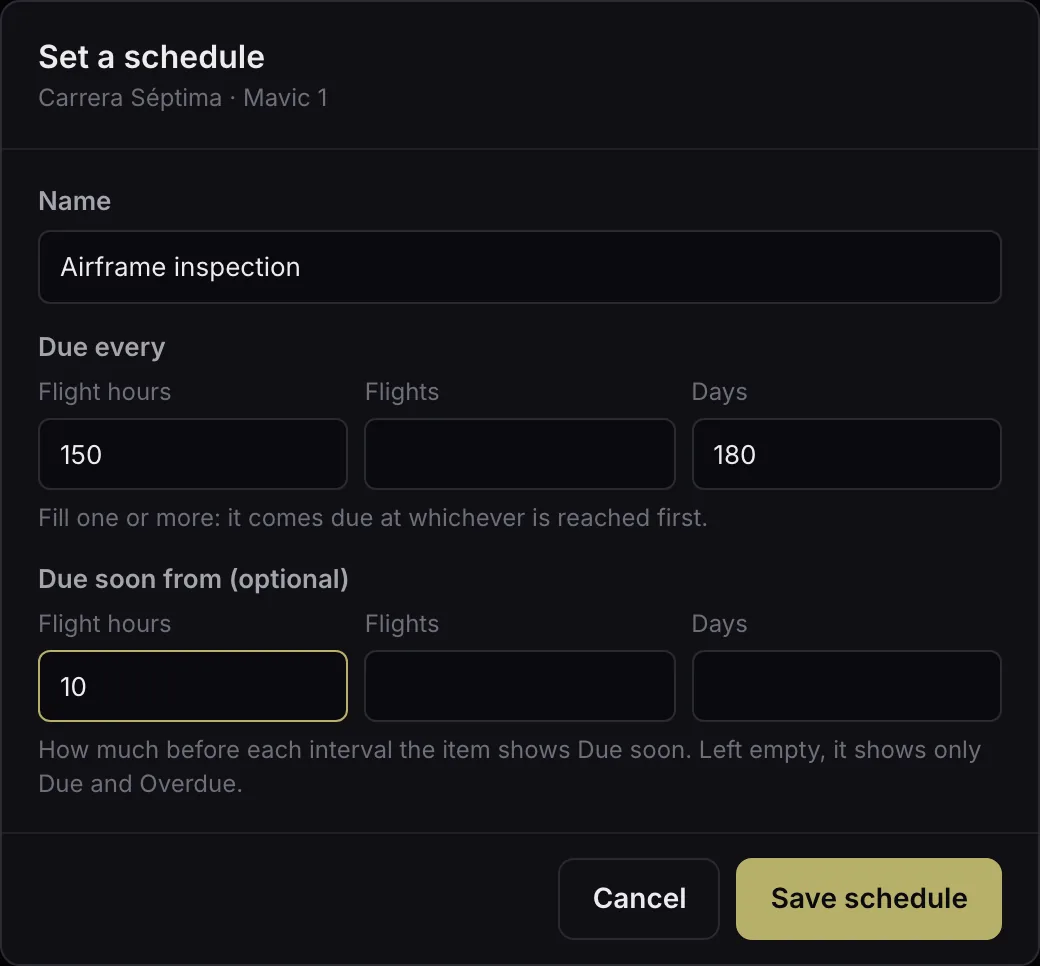
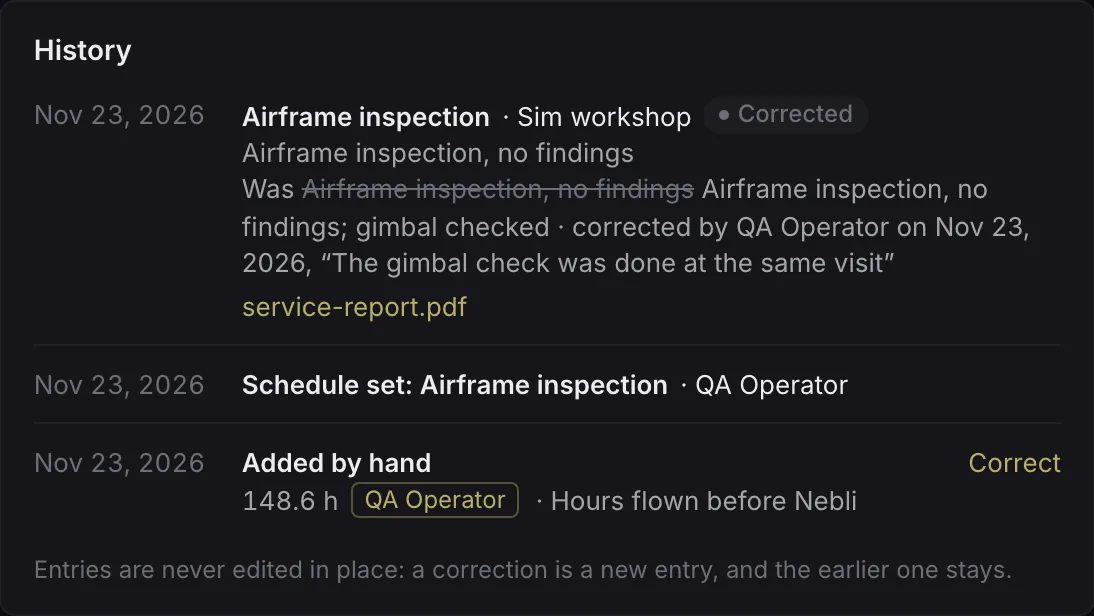
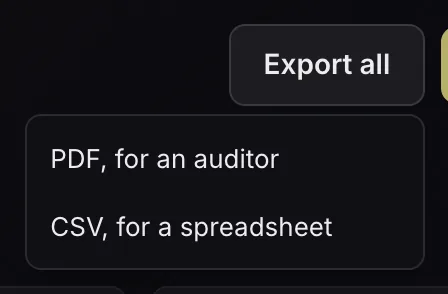
Maintenance logs are now part of Nebli Drones. Each aircraft gets a record of its flight hours and flights, counted from the flights Nebli logs, measured against a schedule you set. The list shows what is due and what is overdue. Every service goes into a log, and the history exports as a PDF or CSV. Maintenance is part of Fleet, and included in the Fleet trial for new accounts.
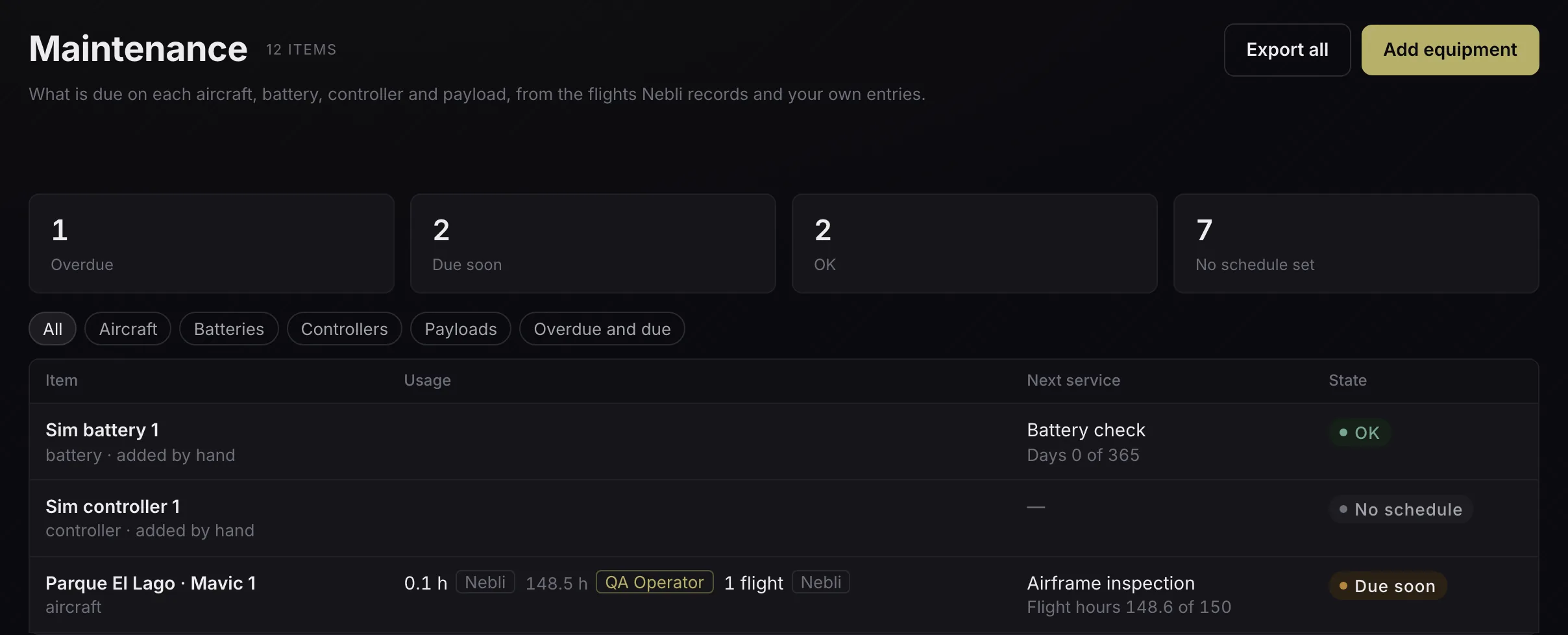
It is for the chief pilot or maintenance lead of a team that already flies with Nebli, who keeps a record per aircraft in a spreadsheet or a separate tool today. The flights are already in Nebli, so the hours can be counted there too.
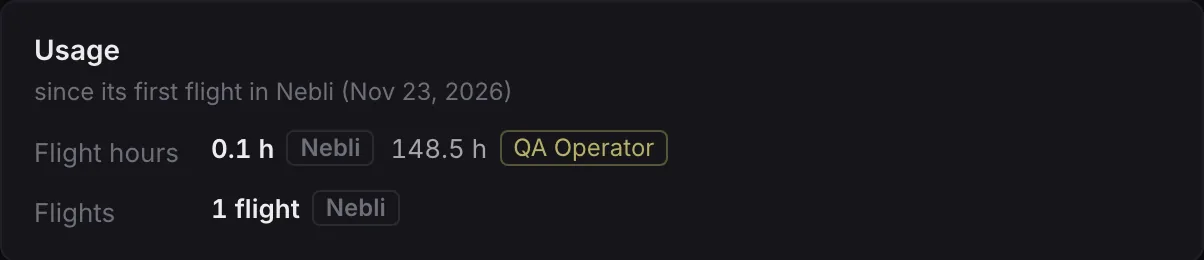
Maintenance works in the dashboard, in six languages (English, Spanish, Portuguese, Hindi, German and French), and through the public API.
Maintenance is part of Fleet, and included in the Fleet trial for new accounts. During the trial it keeps up to 50 files and 250 MB, and Fleet lifts the limit. When a trial ends, the records stay readable and exportable.
The maintenance guide walks through it: adding an item, setting a schedule, logging a service and taking an export.
We and our providers use cookies, only if you agree, to measure how our site is used and how our ads perform, and to show our ads to people who have visited our site. You can change your choice any time in Cookie settings.
Choose which cookies we may use. Necessary cookies are always on; the others stay off unless you switch them on. You can change your choice at any time.
Keep the site working and remember your choice.
Keep the site working and secure, and remember your cookie choice. They do not track you.
Cookies: nb_consent (your cookie choice, 12 months); nb_cc (your country, so we know whether to ask, 1 day).
Measure how the site is used, including session recordings.
Google Analytics 4 (Google) and PostHog (PostHog, Inc.) count visits and record which pages are viewed and how the site is used, including session recordings kept for 30 days, so we can improve it. Data is sent to the United States. Cookies: _ga, _ga_* (up to 2 years); ph_* (up to 1 year).
Measure which of our ads bring sign-ups, and show our ads to people who visited our site.
Google Ads, loaded through Google Tag Manager (Google), and our own campaign cookie measure which of our ads and campaign links lead to visits and sign-ups. Google Ads is also used to show our ads to people who have visited our site. We do not use them to show you other companies' ads. Data is sent to the United States. Cookies: _gcl_* (up to 90 days); hover_attr (up to 90 days).