Yes. Operators stream the Avata 2 on Nebli today, by custom RTMP. Per DJI, with the DJI Goggles 3 you share the live feed to DJI Fly over Wi-Fi and start the live stream in the app.
Add a DJI drone in the Nebli dashboard. It shows two values: an RTMP address and a stream key, a short pairing code.
In DJI Fly's live streaming settings, choose custom RTMP and paste each value into its own field. The DJI Fly guide shows the screens.
Start the stream. The drone's page goes live in a browser; share the link and its PIN. Video only, nothing to install.
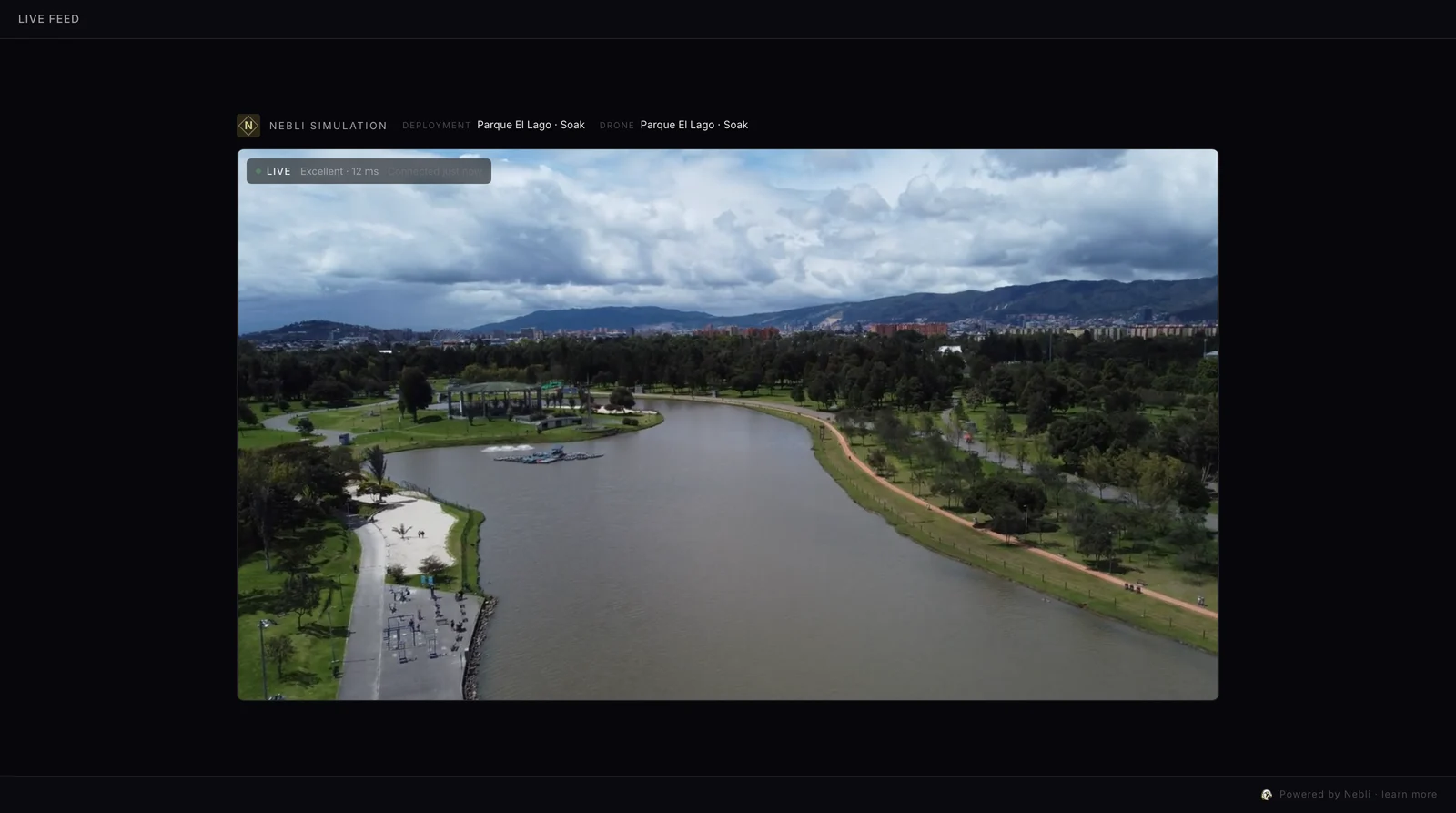
The Avata 2 flies with goggles, not a screen remote. Per DJI's Avata 2 FAQ, the DJI Goggles 3 can share the drone's live feed to the DJI Fly app on a phone, over Wi-Fi or with a data cable and an OTG adapter. DJI's Goggles 3 FAQ adds that after a Wi-Fi share you can start the live stream in DJI Fly.
| Avata 2 | |
|---|---|
| Goggles and remotes | DJI Goggles 3 or Goggles N3 with the RC Motion 3 or FPV Remote Controller 3; DJI Goggles 2 or Goggles Integra with the RC Motion 2 or FPV Remote Controller 2 |
| Live feed on a phone | From the DJI Goggles 3 to DJI Fly on one phone, over Wi-Fi or by cable, one connection at a time; DJI ties the live stream to the Wi-Fi share |
| Bitrate | You pick one of two levels, High Quality or Smooth; DJI Fly fixes their values: 5 or 3 Mbps on Android, 2 or 1 Mbps on iOS, per DJI |
| Mobile data | About 2.25 GB an hour at DJI Fly's 5 Mbps setting, per DJI. The one drone we have measured, a Matrice 4E on Pilot 2, sent several times its app's label, so leave room |
Per DJI, other DJI Goggles 3 can also tune in to the pilot's goggles in Audience mode. That is a goggles-to-goggles view, separate from a browser stream.
The phone shows no live feed. Share the feed from the DJI Goggles 3 first, over Wi-Fi in the goggles' menu. Per DJI, the goggles take one kind of connection at a time.
Each value has its own field. DJI Fly has two fields, an address and a key: paste each value into its own field.
Put your next flight on a page your client opens in a browser.
Yes. Operators stream the Avata 2 on Nebli today, by custom RTMP. Per DJI, with the DJI Goggles 3 you share the live feed to DJI Fly over Wi-Fi and start the live stream in the app.
Per DJI: Goggles 3 or Goggles N3 with the RC Motion 3 or FPV Remote Controller 3, and Goggles 2 or Goggles Integra with the RC Motion 2 or FPV Remote Controller 2.
You pick one of two DJI Fly levels, High Quality or Smooth, and DJI Fly fixes their values: 5 or 3 Mbps on Android, 2 or 1 Mbps on iOS, per DJI. At 5 Mbps that is about 2.25 GB an hour. The one drone we have measured, a Matrice 4E on Pilot 2, sent several times its app's label, so leave room.
Yes, per DJI: in Audience mode, any number of DJI Goggles 3 can tune in to the broadcast channel. A browser stream to your clients is the separate custom RTMP path above.
We and our providers use cookies, only if you agree, to measure how our site is used and how our ads perform, and to show our ads to people who have visited our site. You can change your choice any time in Cookie settings.
Choose which cookies we may use. Necessary cookies are always on; the others stay off unless you switch them on. You can change your choice at any time.
Keep the site working and remember your choice.
Keep the site working and secure, and remember your cookie choice. They do not track you.
Cookies: nb_consent (your cookie choice, 12 months); nb_cc (your country, so we know whether to ask, 1 day).
Measure how the site is used, including session recordings.
Google Analytics 4 (Google) and PostHog (PostHog, Inc.) count visits and record which pages are viewed and how the site is used, including session recordings kept for 30 days, so we can improve it. Data is sent to the United States. Cookies: _ga, _ga_* (up to 2 years); ph_* (up to 1 year).
Measure which of our ads bring sign-ups, and show our ads to people who visited our site.
Google Ads, loaded through Google Tag Manager (Google), and our own campaign cookie measure which of our ads and campaign links lead to visits and sign-ups. Google Ads is also used to show our ads to people who have visited our site. We do not use them to show you other companies' ads. Data is sent to the United States. Cookies: _gcl_* (up to 90 days); hover_attr (up to 90 days).