It depends on who is flying. With a pilot, yes: DJI's Dock 3 page says Pilot 2's built-in Cloud API connects the Matrice 4D series to third-party cloud platforms, and you sign in to Nebli on the DJI RC Plus 2 Enterprise. The stream leaves from the remote, so the aircraft needs no connection of its own. Flying from a DJI Dock 3, it does not stream to Nebli yet; dock management stays in DJI FlightHub 2.
In Pilot 2, tap Cloud Service, then Open Platforms. Type https://dash.nebli.ai/adopt and tap Connect. The controller sign-in guide shows each screen.
The page reads the controller and aircraft serials. Enter your work email, then the 6-character code Nebli sends you.
Tap Adopt drone, then start the livestream from Pilot 2's camera view. It appears on the drone's page with its flight readings.
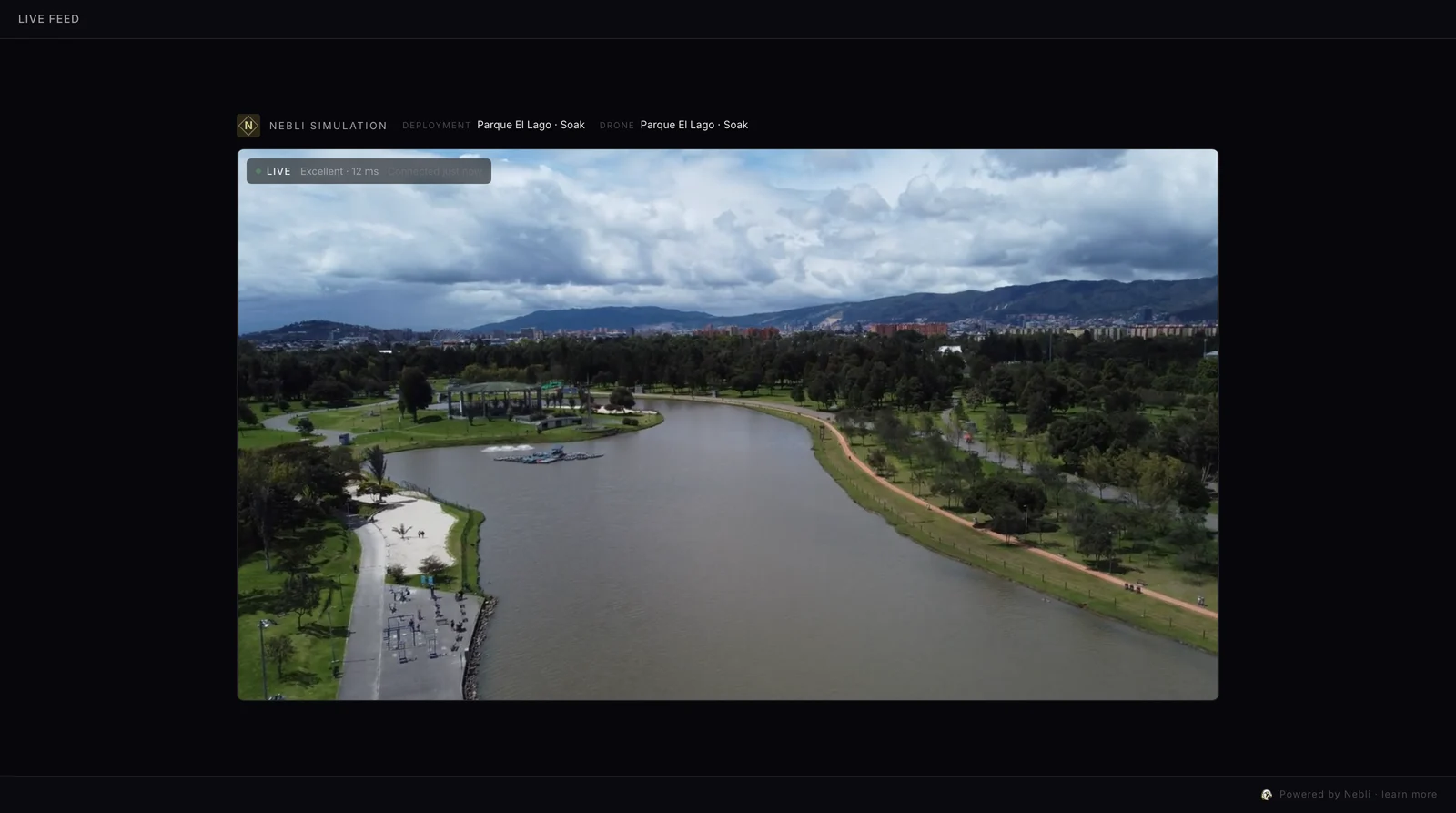
The Matrice 4D is built for the DJI Dock 3, and per DJI it can also pair with the DJI RC Plus 2 Enterprise for standalone use. The answer is different for each.
| With a pilot | From the Dock 3 | |
|---|---|---|
| What sends the video | The RC Plus 2 Enterprise remote, from DJI Pilot 2 | The dock, which DJI lists with DJI FlightHub 2 and the DJI Cloud API among its cloud platforms |
| Live view quality, per DJI's specs | 720p or 1080p at 30 fps | 540p, 720p or 1080p at 30 fps, with DJI FlightHub 2 |
| Cameras | Wide-angle, medium tele and tele cameras and a laser range finder. No thermal camera, per DJI; the Matrice 4TD is the thermal version | |
| Works with Nebli | Yes, through Pilot 2's Cloud API, per DJI's Dock 3 page; you sign in on the remote | Not yet |
DJI's Dock 3 page says DJI Pilot 2's built-in Cloud API connects the Matrice 4D series to third-party cloud platforms. Nebli's controller sign-in connects that way. It brings the live video and the flight readings: position, altitude, speed, heading, gimbal angle and battery, on the drone's page in Nebli. A pilot always flies the aircraft; Nebli never flies on its own.
A Dock 3 is run from DJI FlightHub 2, and dock management stays there. Nebli's DJI connection is built on the DJI Cloud API, which DJI lists among the Dock 3's cloud platforms. No dock is connected to Nebli today, and we plan that connection with the first operator who has one. If you run a Dock 3, talk to us.
The adopt page does not open. Type the full address, https:// included.
The drone landed in a new organization. A mistyped email domain creates a separate organization instead of joining your team's. Type your work email carefully.
The connection looks stuck. Open the adopt page again and tap Reconnect. It re-issues the controller's connection without changing what it is connected to.
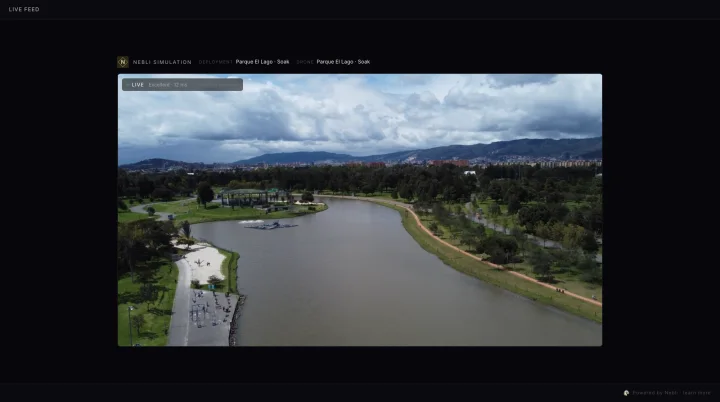
Put your next flight on a page your client opens in a browser.
With a pilot, yes. DJI's Dock 3 page says Pilot 2's built-in Cloud API connects the Matrice 4D series to third-party cloud platforms, and Nebli's controller sign-in on the DJI RC Plus 2 Enterprise connects that way. From the dock, not yet.
Yes. Per DJI's Dock 3 FAQ, the Matrice 4D series can link with the DJI RC Plus 2 Enterprise for manual flight.
Not yet. Nebli is built on the DJI Cloud API, which DJI lists for the Dock 3, and we plan the dock connection with the first operator who has one. Dock management stays in DJI FlightHub 2.
No. Signing in connects the live video and the flight readings. A pilot always flies the aircraft; Nebli never flies on its own.
We and our providers use cookies, only if you agree, to measure how our site is used and how our ads perform, and to show our ads to people who have visited our site. You can change your choice any time in Cookie settings.
Choose which cookies we may use. Necessary cookies are always on; the others stay off unless you switch them on. You can change your choice at any time.
Keep the site working and remember your choice.
Keep the site working and secure, and remember your cookie choice. They do not track you.
Cookies: nb_consent (your cookie choice, 12 months); nb_cc (your country, so we know whether to ask, 1 day).
Measure how the site is used, including session recordings.
Google Analytics 4 (Google) and PostHog (PostHog, Inc.) count visits and record which pages are viewed and how the site is used, including session recordings kept for 30 days, so we can improve it. Data is sent to the United States. Cookies: _ga, _ga_* (up to 2 years); ph_* (up to 1 year).
Measure which of our ads bring sign-ups, and show our ads to people who visited our site.
Google Ads, loaded through Google Tag Manager (Google), and our own campaign cookie measure which of our ads and campaign links lead to visits and sign-ups. Google Ads is also used to show our ads to people who have visited our site. We do not use them to show you other companies' ads. Data is sent to the United States. Cookies: _gcl_* (up to 90 days); hover_attr (up to 90 days).