
This is the fastest way to get a DJI RC talking to Nebli Drones. It's a web page that opens inside Pilot 2 itself, reads your controller and aircraft serials over DJI's own bridge, and connects the controller to your organization after a one-time email sign-in. If you'd rather configure a custom RTMP destination by hand instead, see the enterprise Pilot 2 guide.
What you need: a DJI RC running Pilot 2 with an aircraft paired (the aircraft can be powered off during setup), and a work email. You usually don't need a Nebli account first: signing in for the first time creates your organization automatically, unless your company has already linked your email domain to its own.
Opening the adopt page
From the Pilot 2 home screen, tap the Cloud Service tile, then Open Platforms in the Cloud Services list.
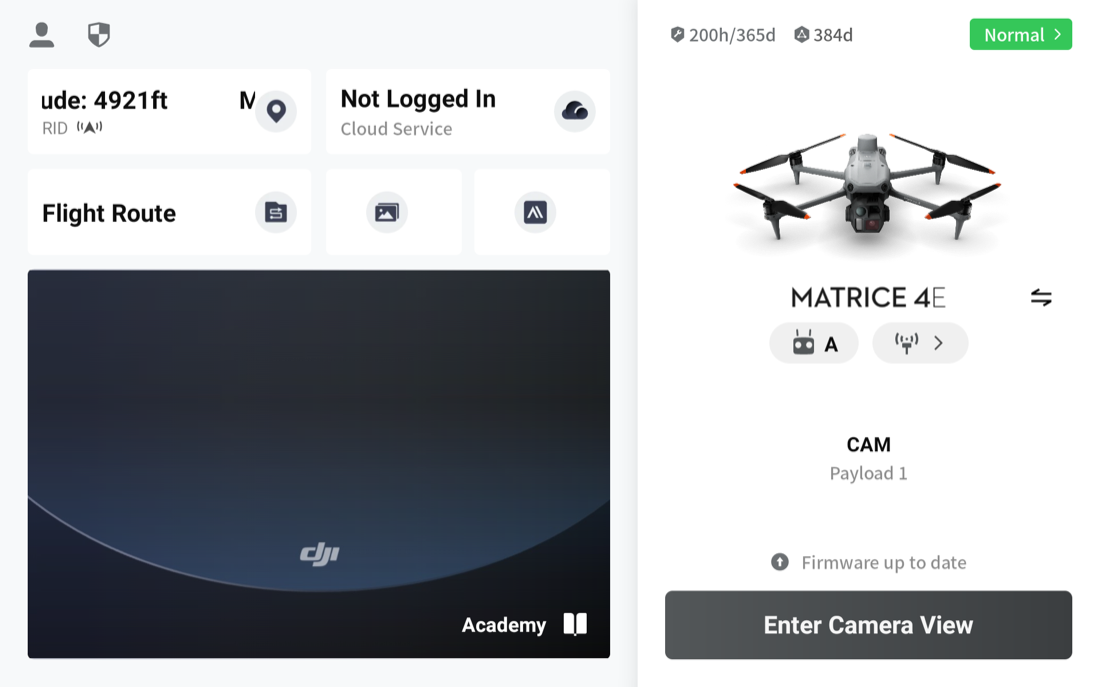
This opens DJI's Third-Party Cloud Services screen: a single URL field. Type https://dash.nebli.ai/adopt and tap Connect.
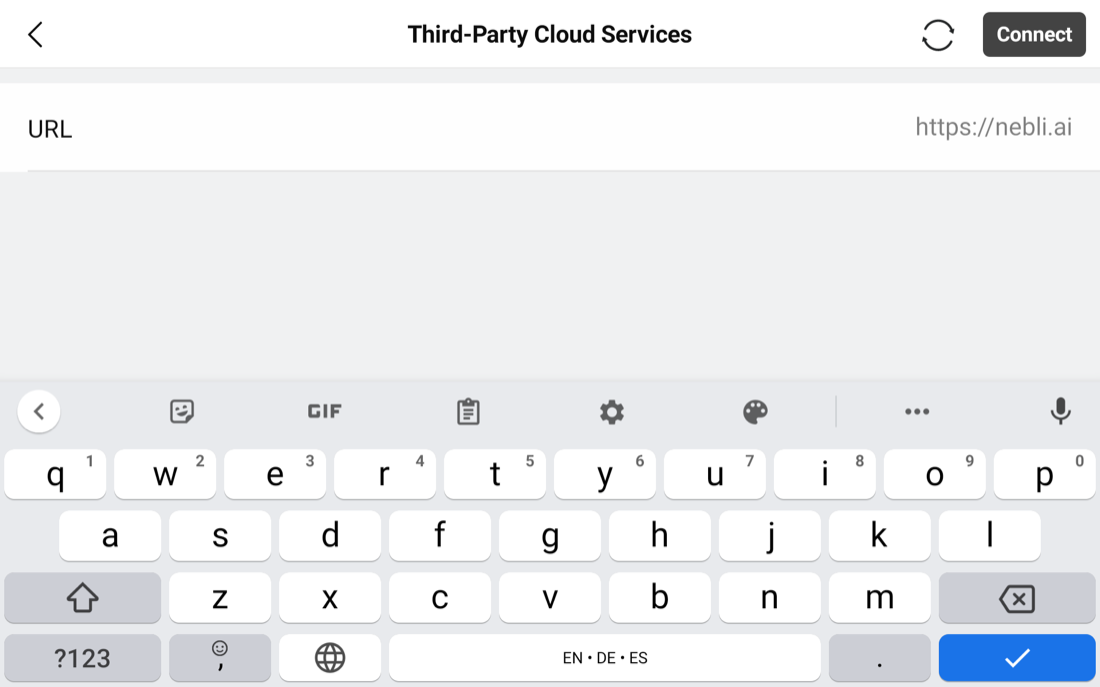
https://.Enter the full address exactly as shown, https:// included.
Pilot 2 detects it's loading a Nebli Drones page and takes you straight to the sign-in screen below. There's nothing else to configure on the DJI side.
Signing in
The first screen shows your controller and aircraft, already detected over Pilot 2's bridge:
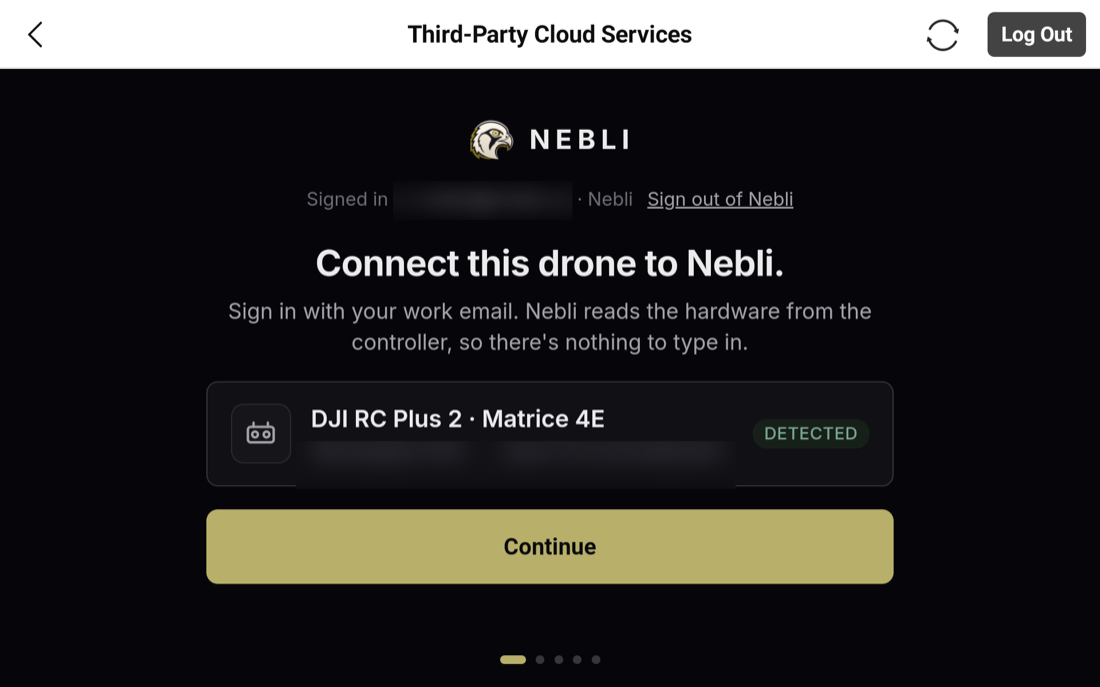
Tap Continue, enter your work email, and tap send:
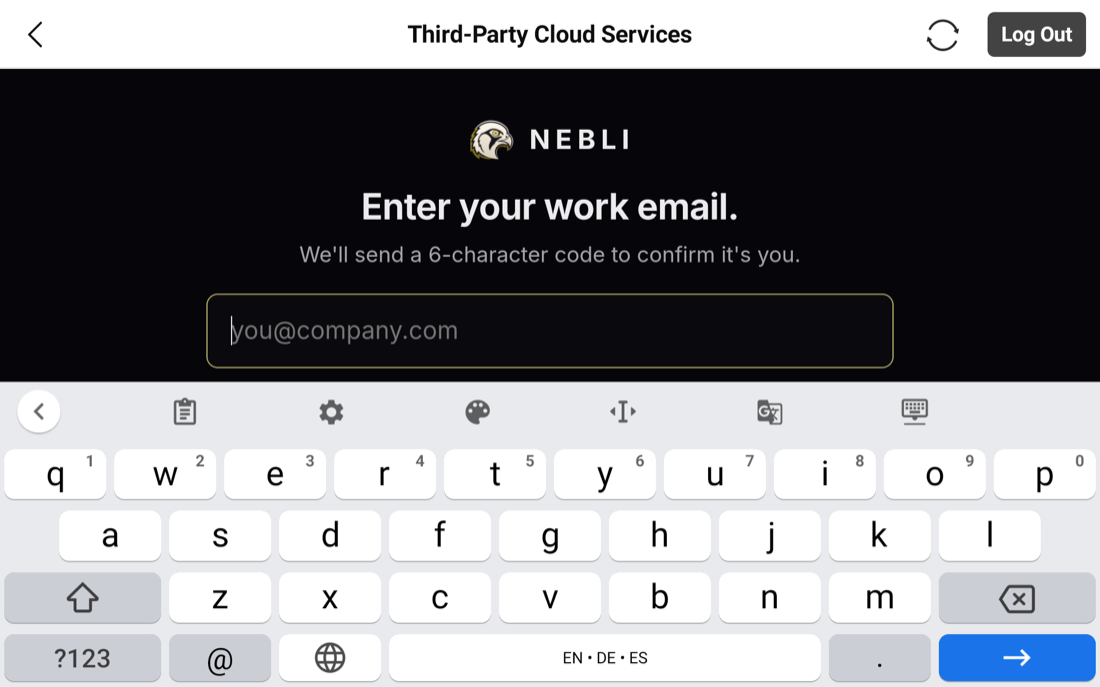
Nebli emails a 6-character code (letters and numbers, so it won't always look like a plain number). Enter it on the next screen:
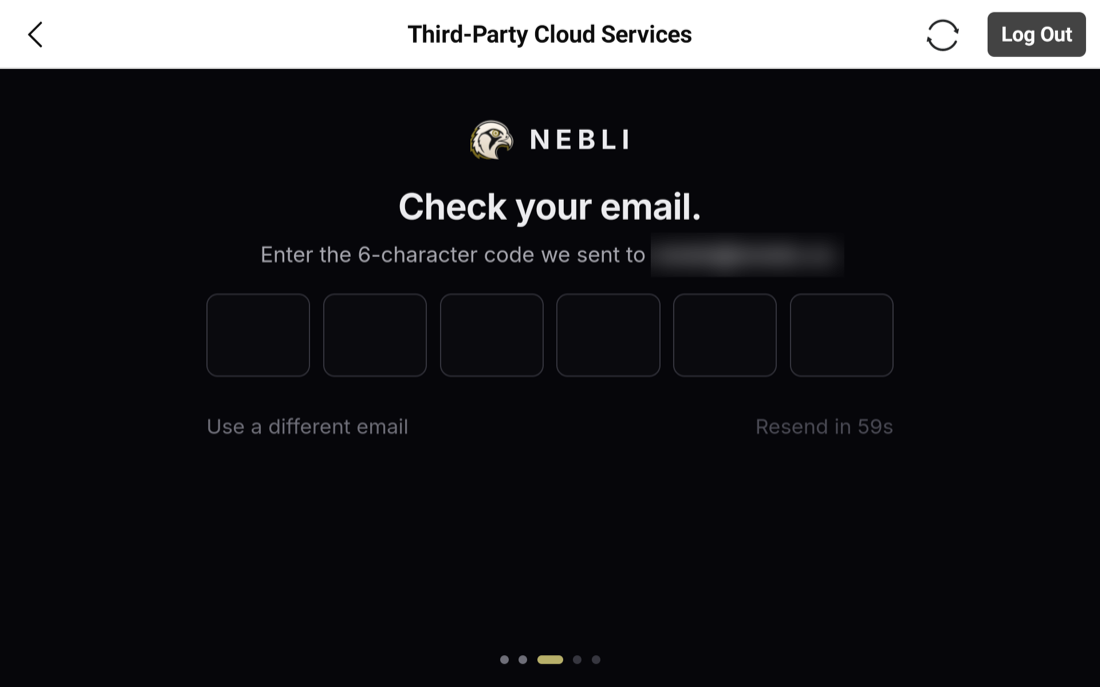
Type the email carefully. If your company hasn't linked your email domain to its Nebli organization, any first-time email, typo or not, creates a brand-new organization instead of erroring. If your company has linked its domain, a mistyped domain just won't match it, with the same silent result: a separate new organization instead of your team's.
Confirming the drone
On a controller that isn't already connected to anything, verifying the code takes you to a confirm screen: a headline naming the detected aircraft (or the controller, if the aircraft is off), a trust line showing the serials, and an editable drone name. Tapping Adopt drone completes the connection.
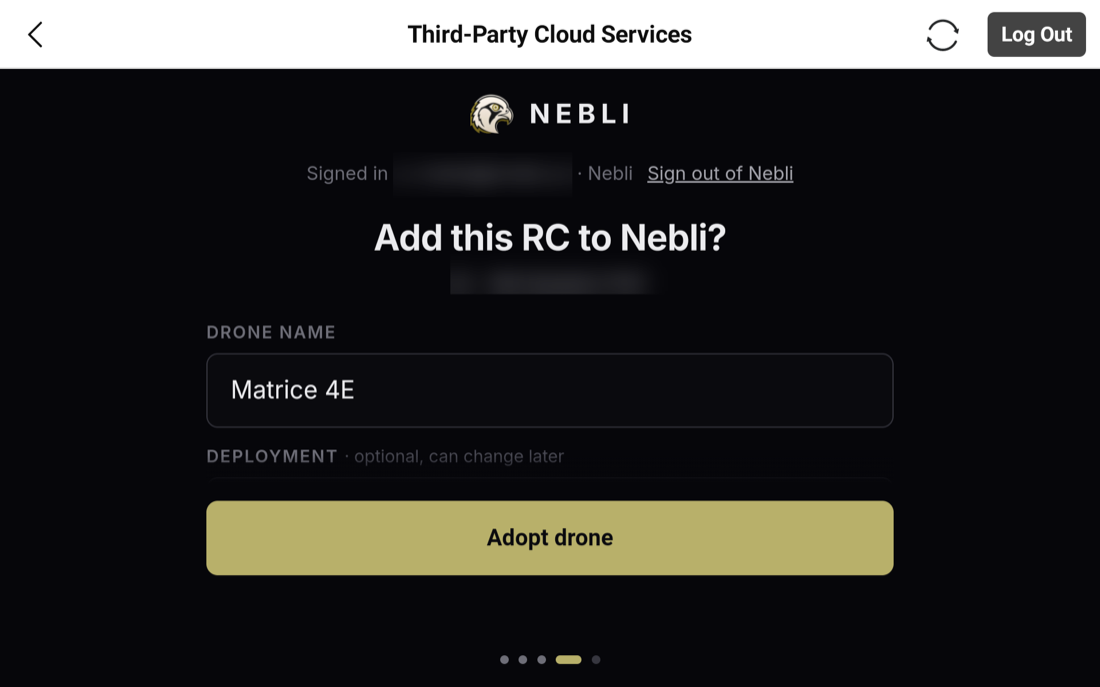
If your organization already has more than one drone waiting to be connected, connecting a controller shows a picker instead: a plain list of the pending drones, keyed by the name you gave each one when you created it in the dashboard. Pick the one this controller flies.
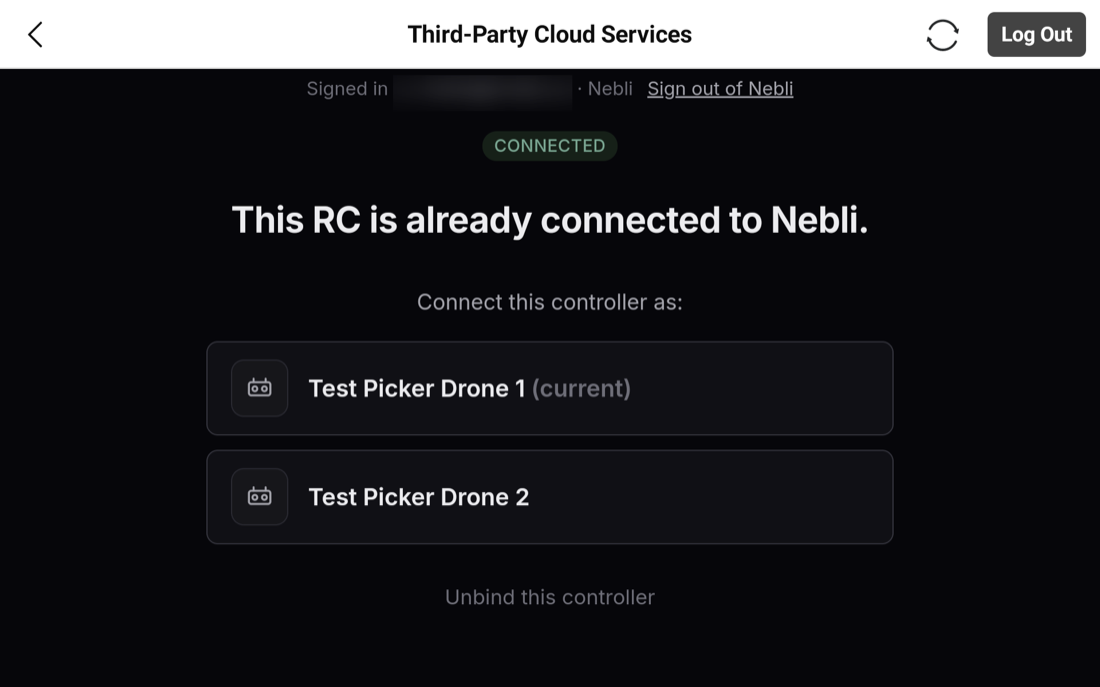
Already connected
If this controller has connected to Nebli Drones before, you land here instead of the confirm screen:
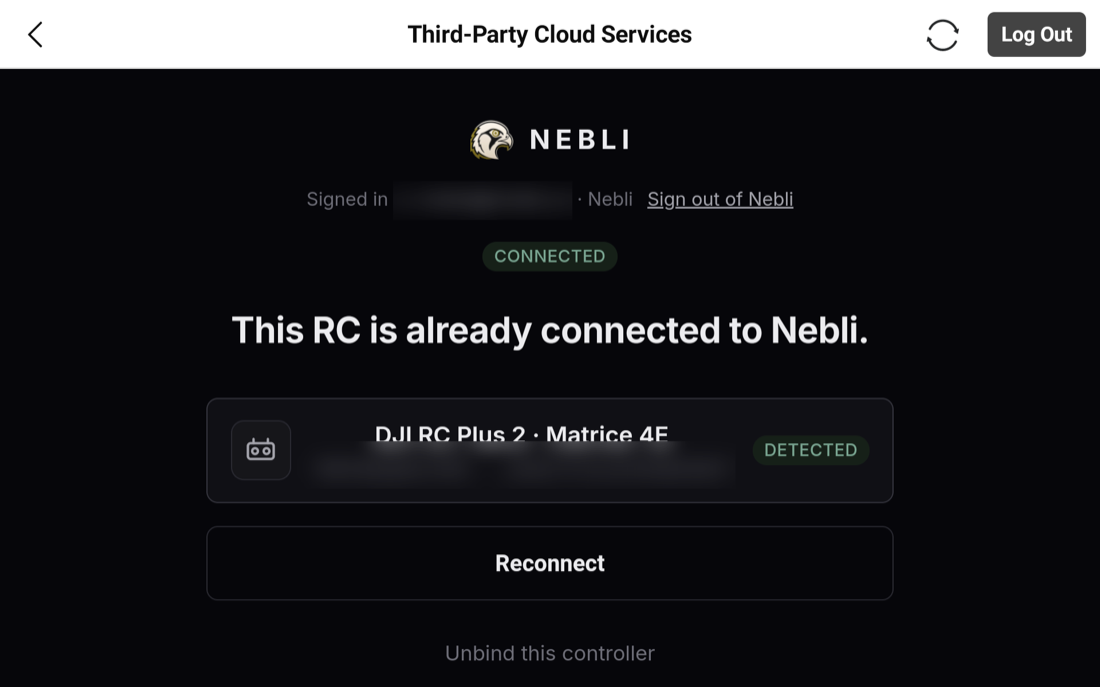
If your organization has another drone waiting to connect, this screen lists it and lets you move the controller onto it. The move happens immediately when you tap it, with no separate confirmation step. Otherwise you'll see a single Reconnect button, which re-issues the controller's connection credential without changing what it's connected to. That's useful if the connection ever looks stuck:
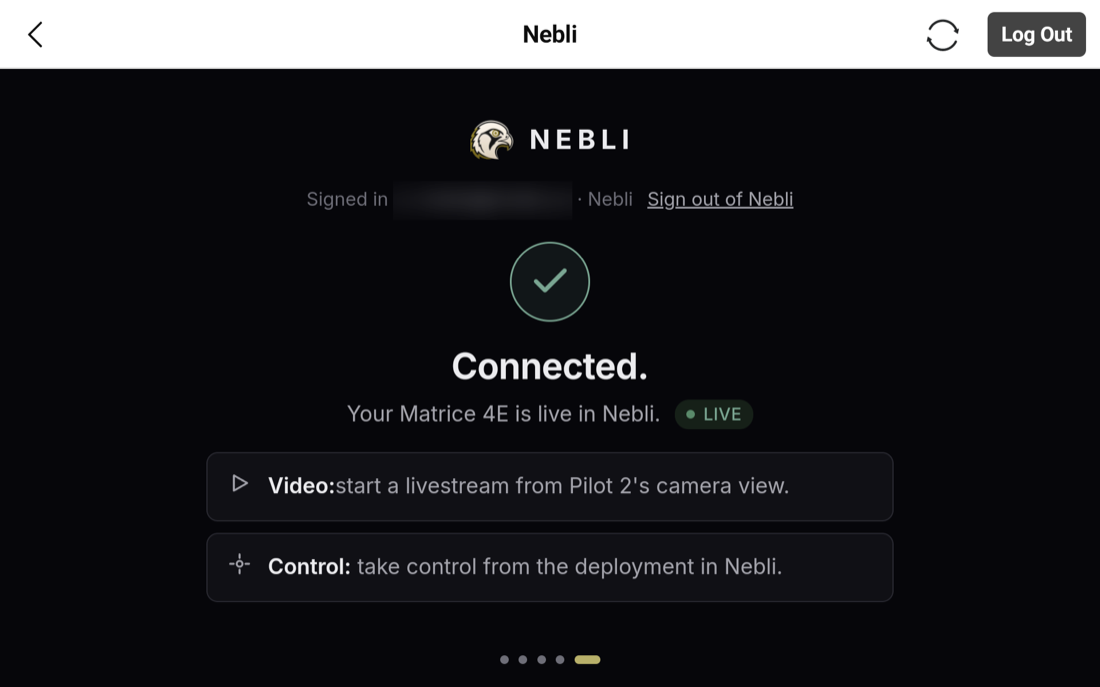
A controller already connected to a different organization shows a plain "already connected" message with no action available. Nebli doesn't reveal which organization holds it.
Where the feed shows up
Adoption connects video and flight telemetry. Start the livestream from Pilot 2's camera view the same way you always do, and it appears on that drone's page in the Nebli dashboard, with its position, altitude, speed, heading, gimbal angle and battery. Gimbal and camera control stay on the controller.
Common questions
Do I need a Nebli account before I start?
Usually no. If your company hasn't set up domain-based email matching, verifying a work email for the first time creates a new organization automatically, and there's nothing to sign up for beforehand. If an admin at your company has set that up, verifying joins your team's existing organization instead, or queues a request for approval. Either way, type your work email carefully: a typo'd domain won't match your team's setup and just creates a separate new organization.
Does adopting a controller give Nebli Drones flight control?
No. Adoption connects video and flight telemetry, not control. You fly the aircraft exactly as you do today, with the gimbal and camera on the controller; Nebli Drones receives the live feed and the flight readings.
What happens if I adopt a controller that's already connected to a different drone?
If your organization has another drone waiting to be connected, you can move (rebind) the controller onto it from the already-connected screen. The move happens immediately when you tap it. There's no separate confirmation step, so make sure you're picking the right drone.
Prefer configuring a custom RTMP destination by hand?
Enterprise (Pilot 2) live streaming →