Before you start
- Any plan. The Detections per pass reading needs a plan with detections, or the trial.
- Who can create and change workflows: an Org Admin, or the drone's Tenant Admin. Every other member sees them read-only.
See your workflows
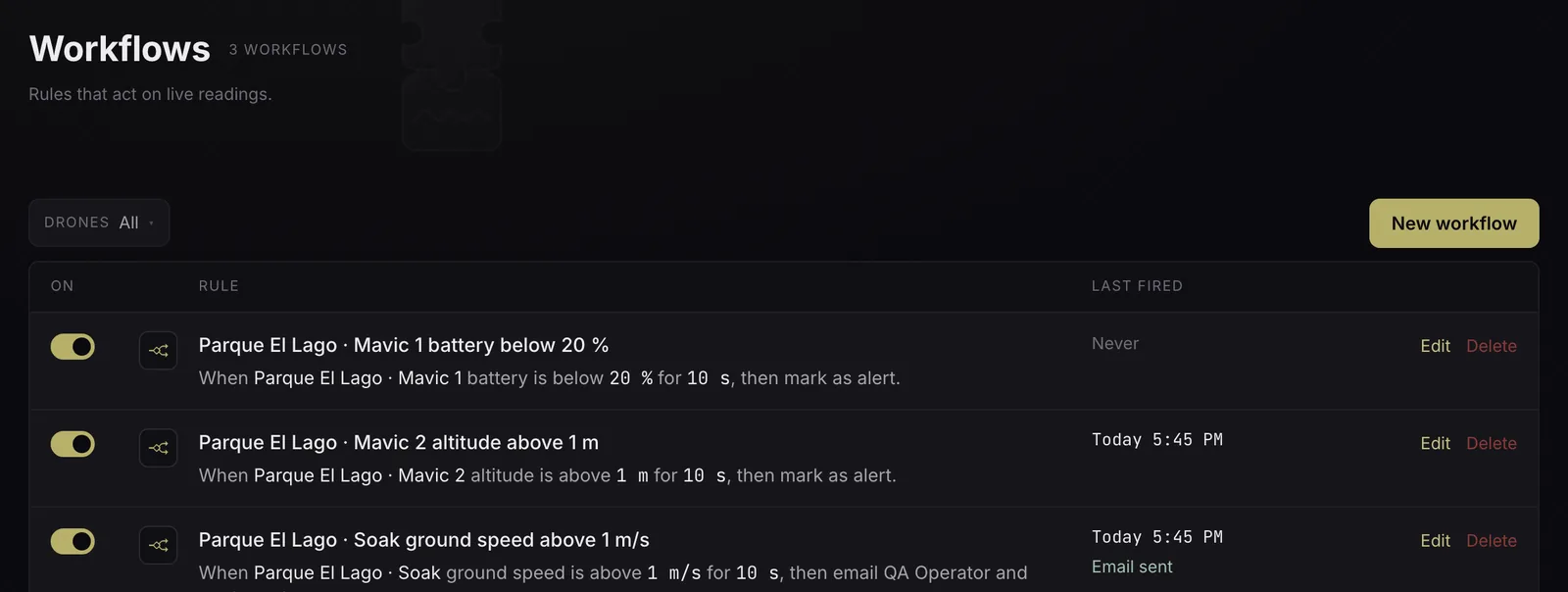
Open Workflows in the sidebar. Each workflow is one row: the rule as a sentence, an On switch, and Last fired. Filter the rows by drone.
Create a workflow
- Press New workflow.
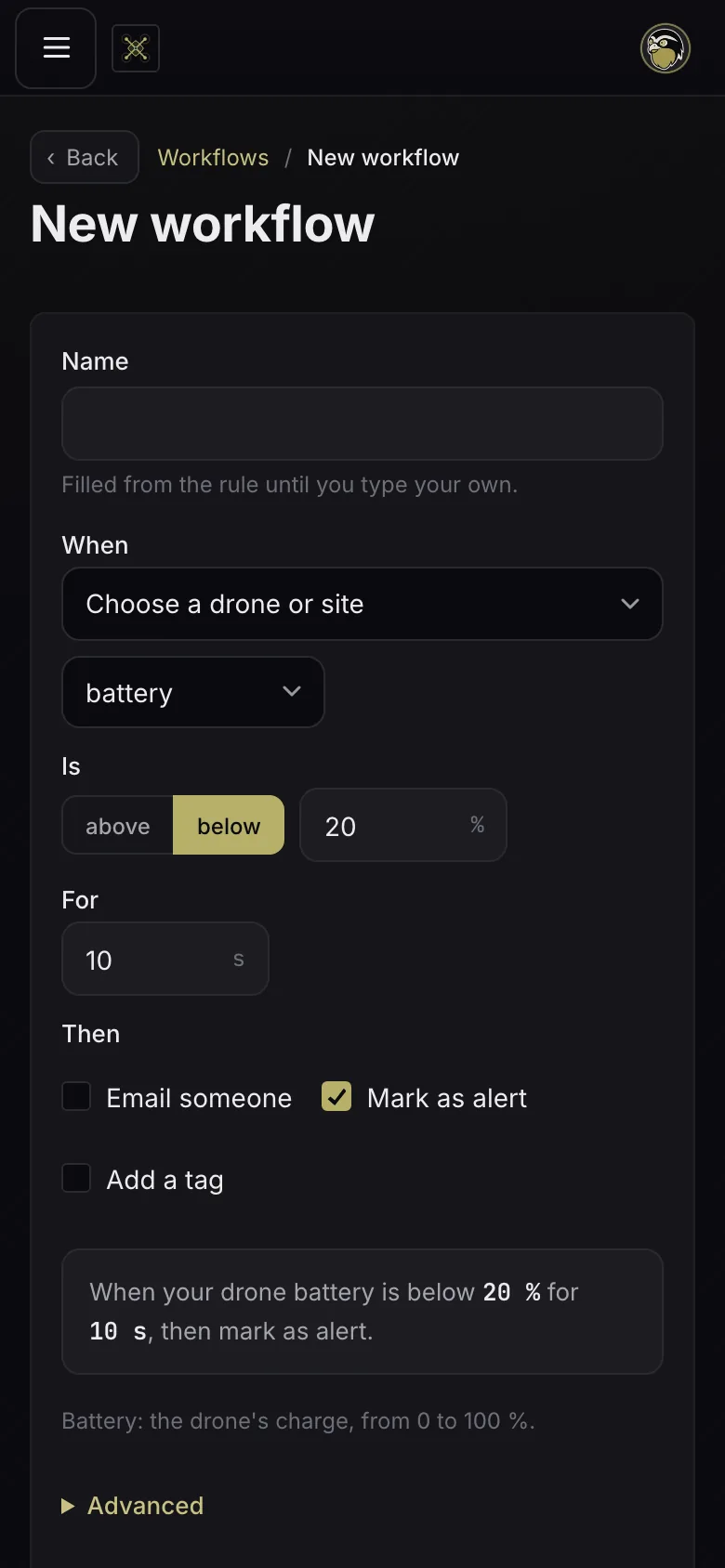
- Fill in the sentence, row by row:
- When: the drone or site, and the reading. The readings are Altitude, Ground speed, Vertical speed, Battery, and Detections per pass.
- Is: above or below, and the number (the threshold).
- For: how long the reading must stay past the threshold.
- Then: what to do (below).
- The name fills in from the rule. Type your own to replace it.
- Press Save.
Altitudes and speeds are in your organization's units.
Choose what happens
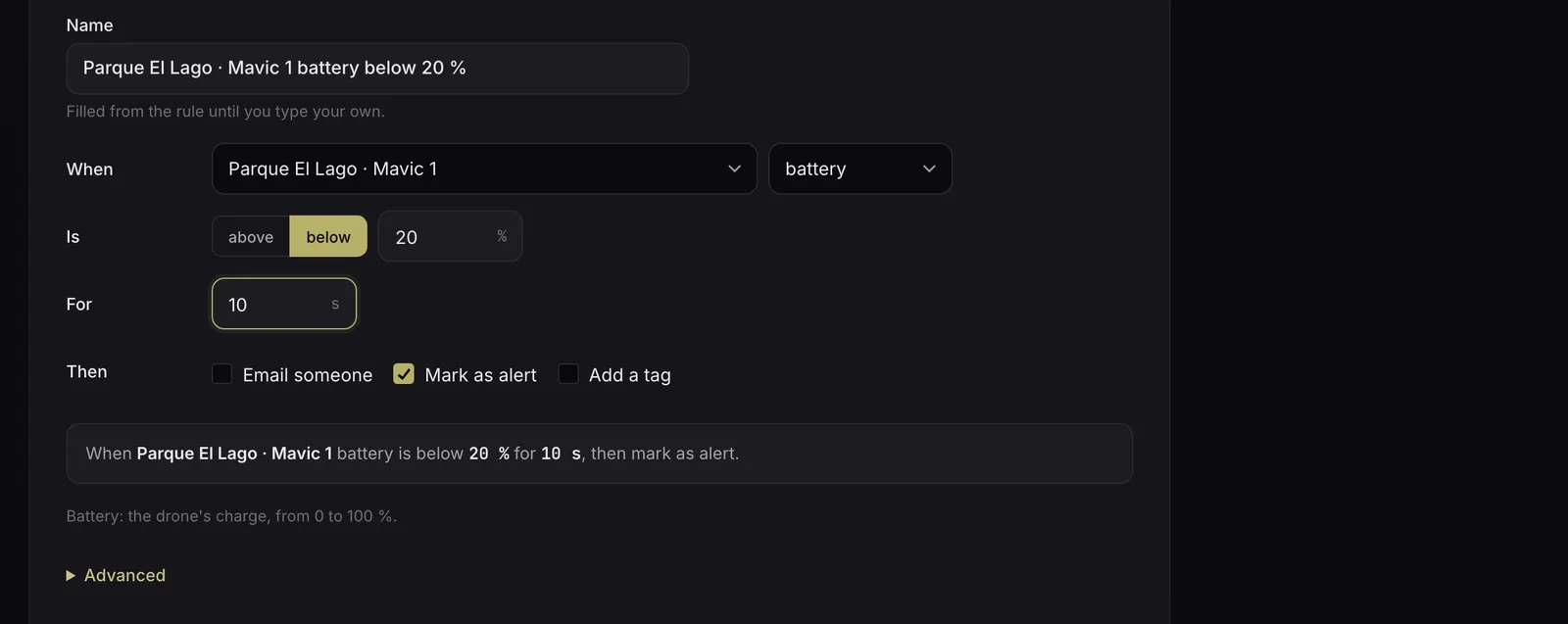
- Email someone: one email to a member who can see the drone, in that member's own language, with the reading, the threshold, the time and a link to the Timeline. The list offers only members who can see that drone.
- Mark as alert: the Timeline line carries the alert mark.
- Add a tag: a short word shown on the Timeline line.
A workflow can take any of the three, each once.

When a workflow fires
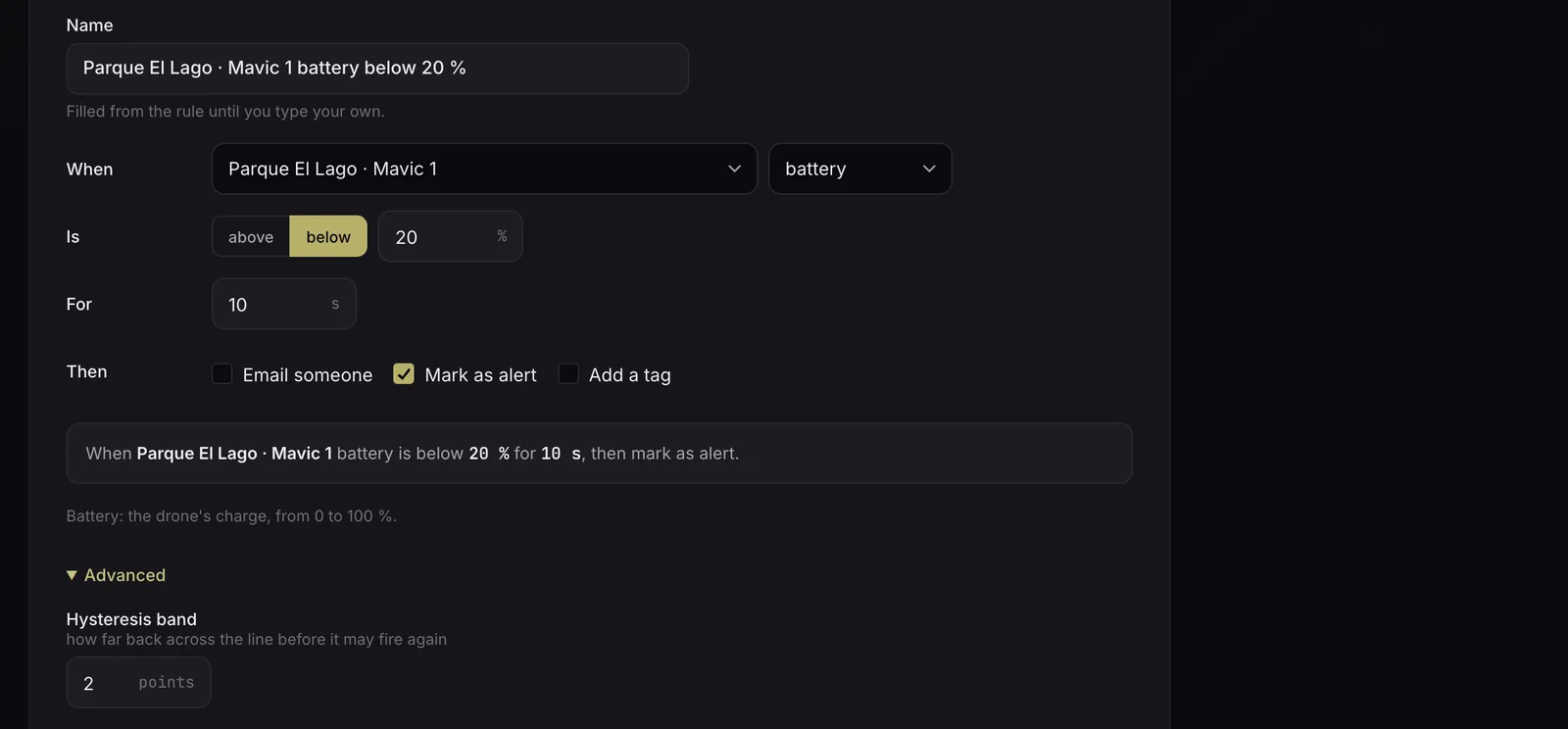
A workflow fires when the reading has stayed past the threshold, in its direction, for the whole time you set. A single reading that crosses for a moment does nothing. After a fire, the reading has to come back across the line before the workflow can fire again. Advanced holds the Hysteresis band: how far back it has to come.
A drone that stops reporting fires nothing. A battery last seen at 30 % is not read as below 20 %.
Each fire is one line on the Timeline, such as "Workflow fired: Low battery · 18 % below 20 %", with View workflow. The workflow's own page lists its recent fires, with a link to the Timeline for older ones.


Turn a workflow off and on
Use the On switch on its row. A workflow that is off reads nothing and fires nothing. A workflow also turns itself off when it can no longer be trusted, for example when its author is no longer an administrator, and its row says why.
On a phone
Related: Timeline, where every fire shows.