Open Split View
In the dashboard, choose Split View under Monitor. It opens on the same drone that Live View would open. You can watch a DJI or relay drone you have access to.
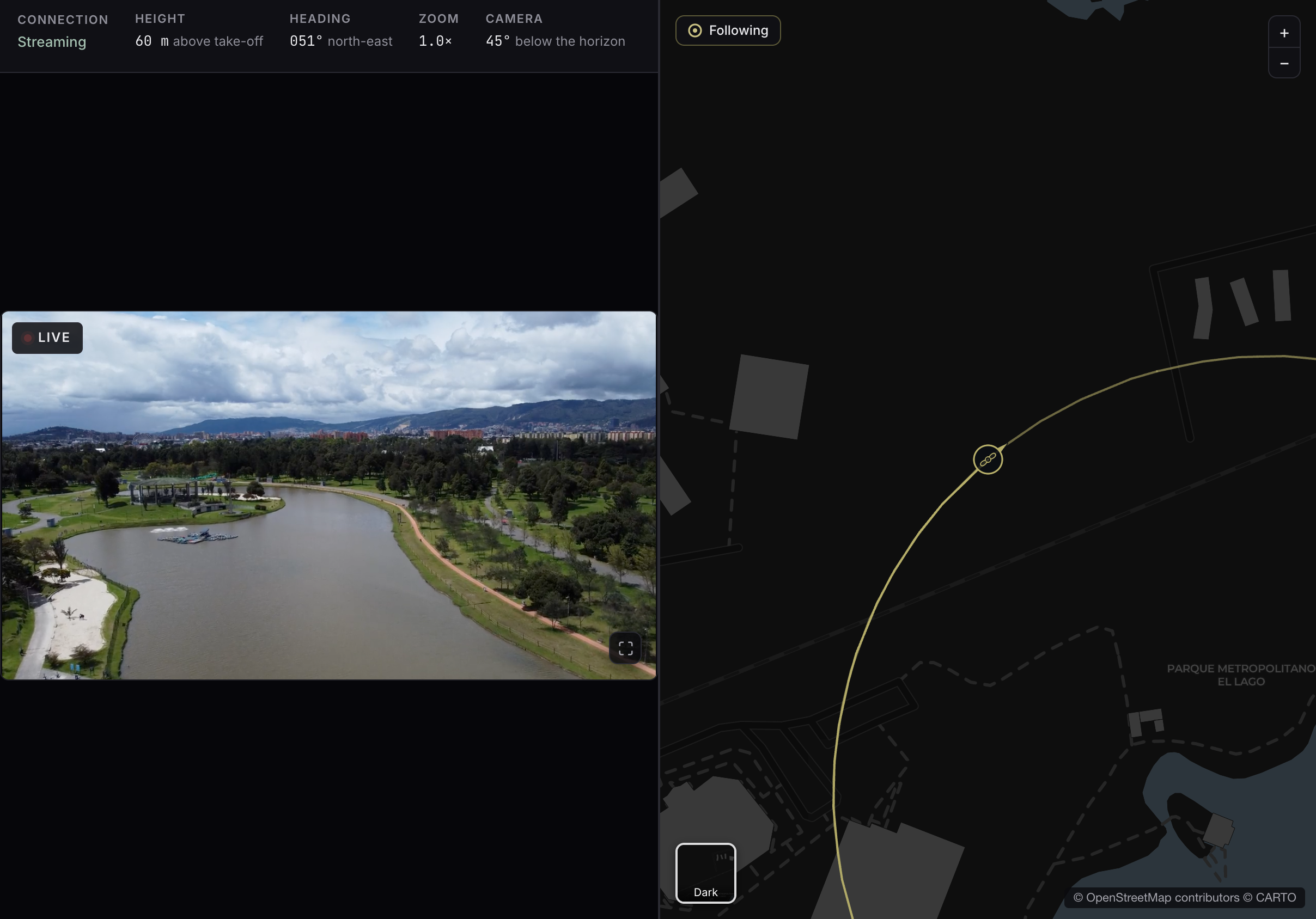
In a wide window the video and the map sit side by side. Drag the divider between them to give either one more room; Split View remembers it. At 900 pixels wide or less, the video sits above the map.
A bar over the video shows the connection, height above take-off, heading, zoom, camera angle, and the video and picture status. In a narrow window the camera angle is left out. A dash means the drone isn’t reporting that reading right now.
If you may control the drone, you take control from the same bar. On a DJI drone, press Take control. On a relay drone, turn on the keyboard or gamepad button, and your first flight input takes control. Split View remembers which one you turned on.
Follow the drone
The map starts in Following. The marker shows the drone’s reported position, the arrow shows its heading, and the trail shows where it has flown in the last 10 minutes.
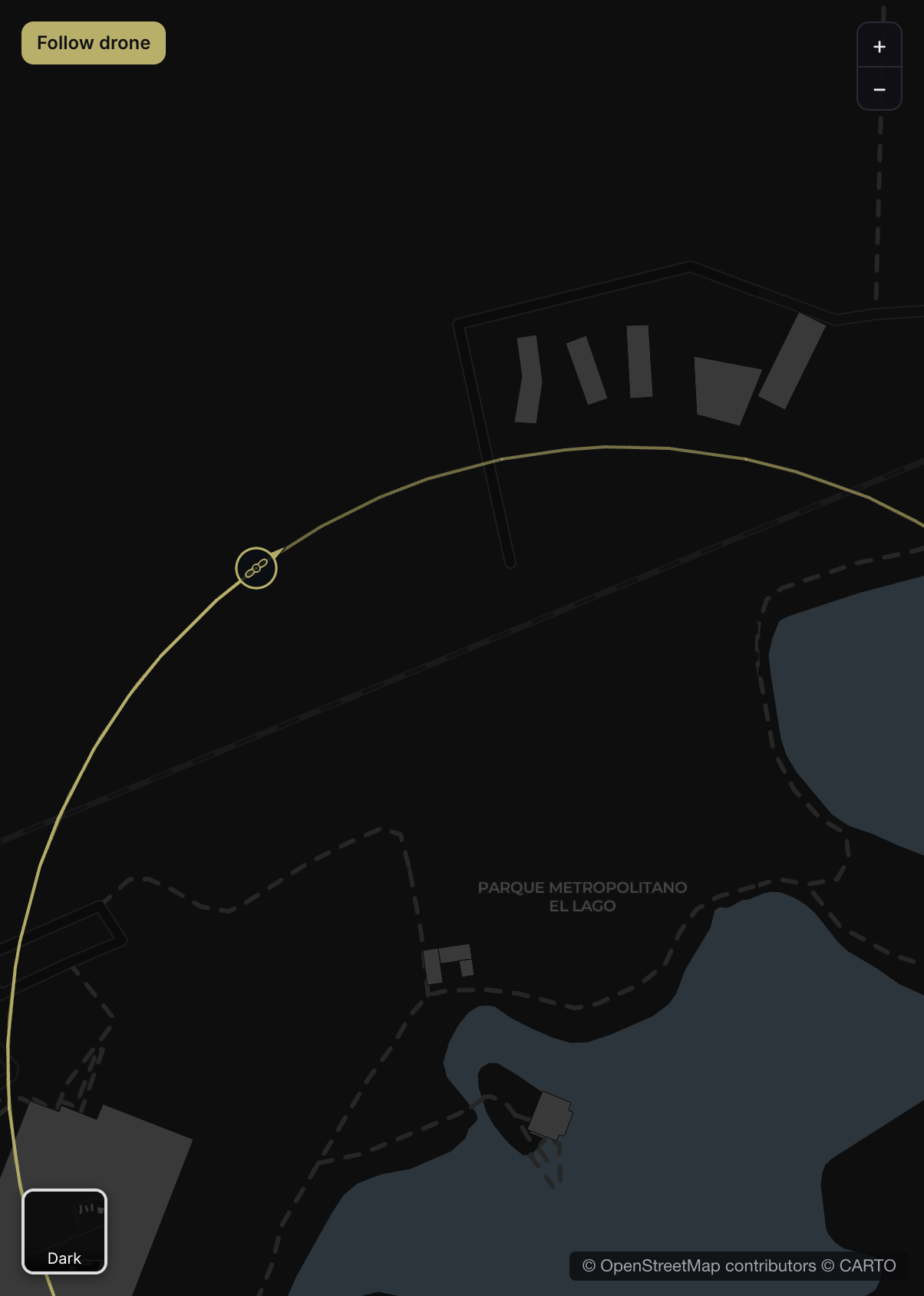
Drag the map to look elsewhere. The map stays where you leave it. Choose Follow drone to center the map on its reported position and resume following. You can zoom with the + and − buttons. Pick the basemap from the picker at the bottom left of the map.
Switch drones
Choose another drone from the dashboard’s top bar. You stay in Split View: the video switches, and the map follows the new drone as soon as it reports a position.
When video or position stops updating
- Position stops updating. After 5 seconds without a new position, the marker and trail turn gray. The marker stays at the last reported location. The map shows how old that position is, for example “Position lost 8 s ago. Showing the last place it reported.” You can keep watching the video if it’s still streaming.
- No position yet. The map says “This drone has not reported a position yet.” Video can still play while you wait for the first position.
- Video stops while the drone is still reporting its position. The map keeps updating. The player says “No stream from this drone right now” and “It is still reporting where it is. The picture returns by itself when the stream does.”
- Neither signal is available. For a relay drone, the player says “No active session.” For a DJI drone, it says “No stream from this drone right now” and “Video starts here on its own when the drone streams.”